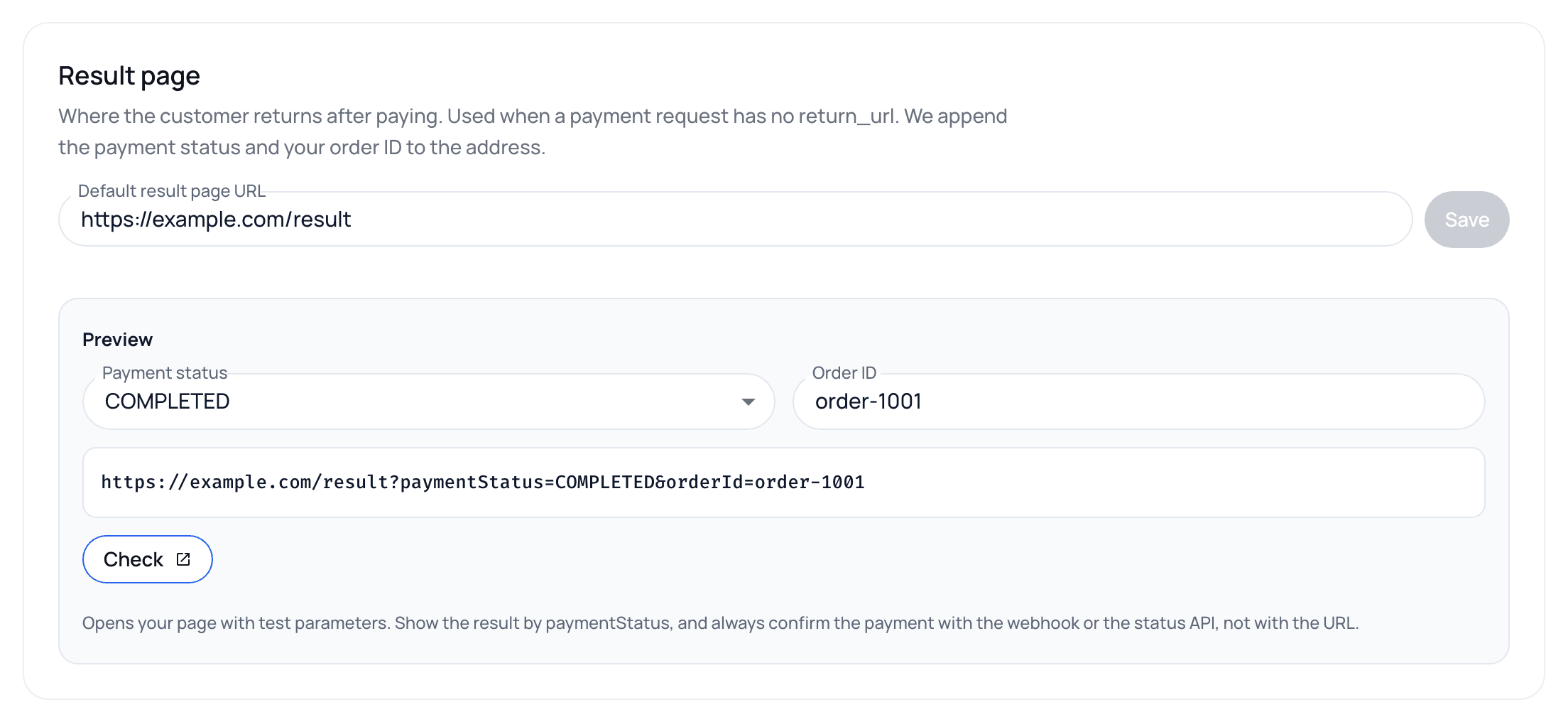
Result page
After paying (or canceling) the customer returns to your result page. Pass it as return_url when you
create a payment, or set a default page on the Integration → Result page tab — it is used for
every payment without return_url.
Parameters
We append two parameters to the address:
| Parameter | Description |
|---|---|
paymentStatus | Status at the moment of the redirect, see Payment statuses. |
orderId | Your merchant_order_id. |
Example: https://example.com/payment/result?paymentStatus=COMPLETED&orderId=order-1002
ImportantThe address can be changed by the customer. Use paymentStatus only to choose what to show. Ship orders only
after the webhook or status check confirms COMPLETED.
Often the redirect happens while the payment is still IN_PROGRESS or ACCEPTED_SETTLEMENT_IN_PROCESS. Show
"We are confirming your payment" and update the page when your server gets the webhook.
Check your page
In Integration → Result page you see the exact address your customer gets. Choose a status, enter an order ID and click Check to open your page with these parameters.