
Quickstart
This guide takes you from a new account to a completed test payment. You need a terminal with curl and a URL that
can receive POST requests (for the first test you can use any request inspector service).
1. Sign up
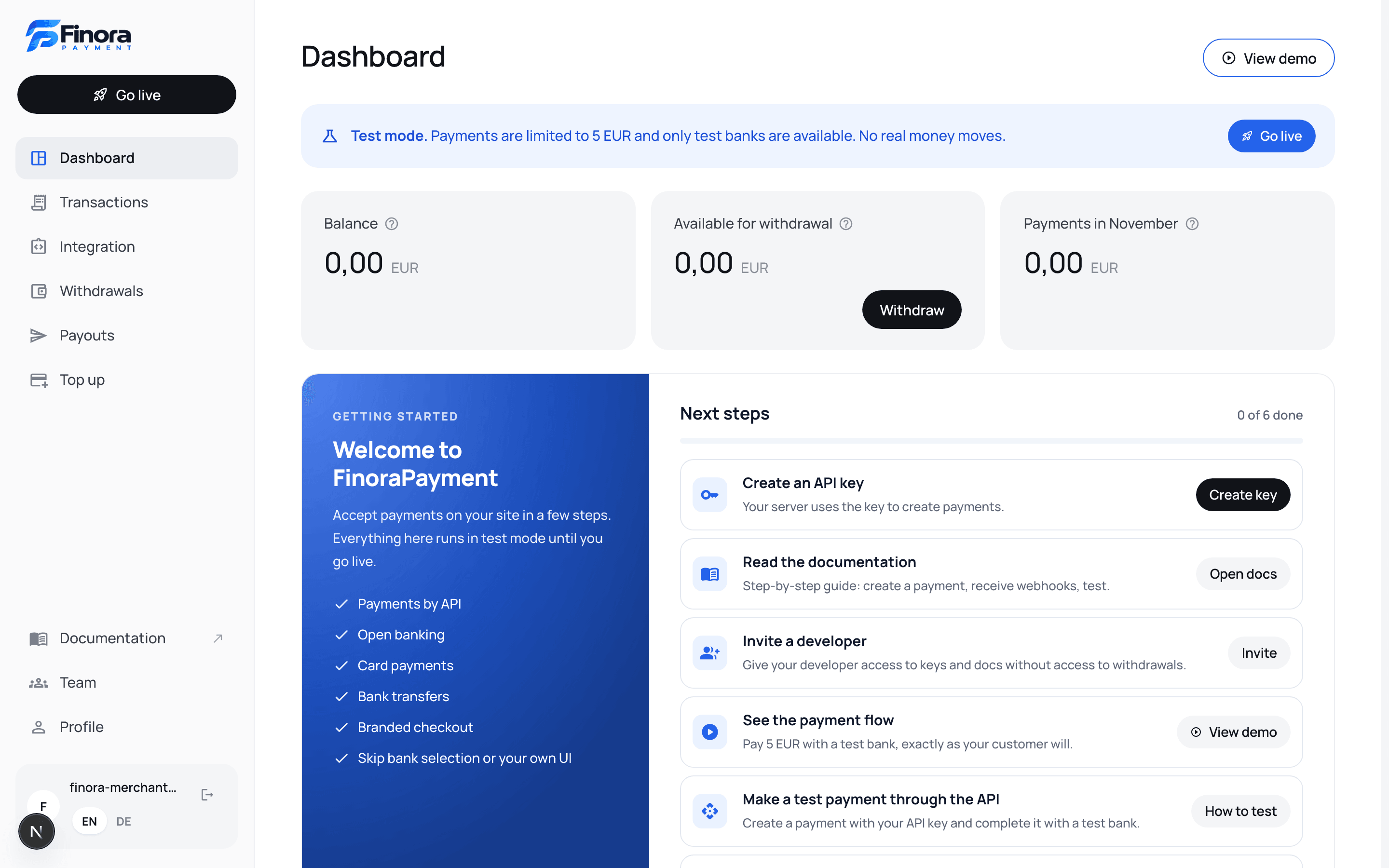
Create an account at https://finorapayment.com/auth/sign-up/ and confirm your email. You land on the Dashboard in test mode. The Next steps list on the dashboard follows this guide; View demo shows the customer's payment flow without any code.
2. Create an API key
- Open Integration in the menu on the left. The API keys & webhooks tab opens.
- In API keys, click Create key, enter a name (for example
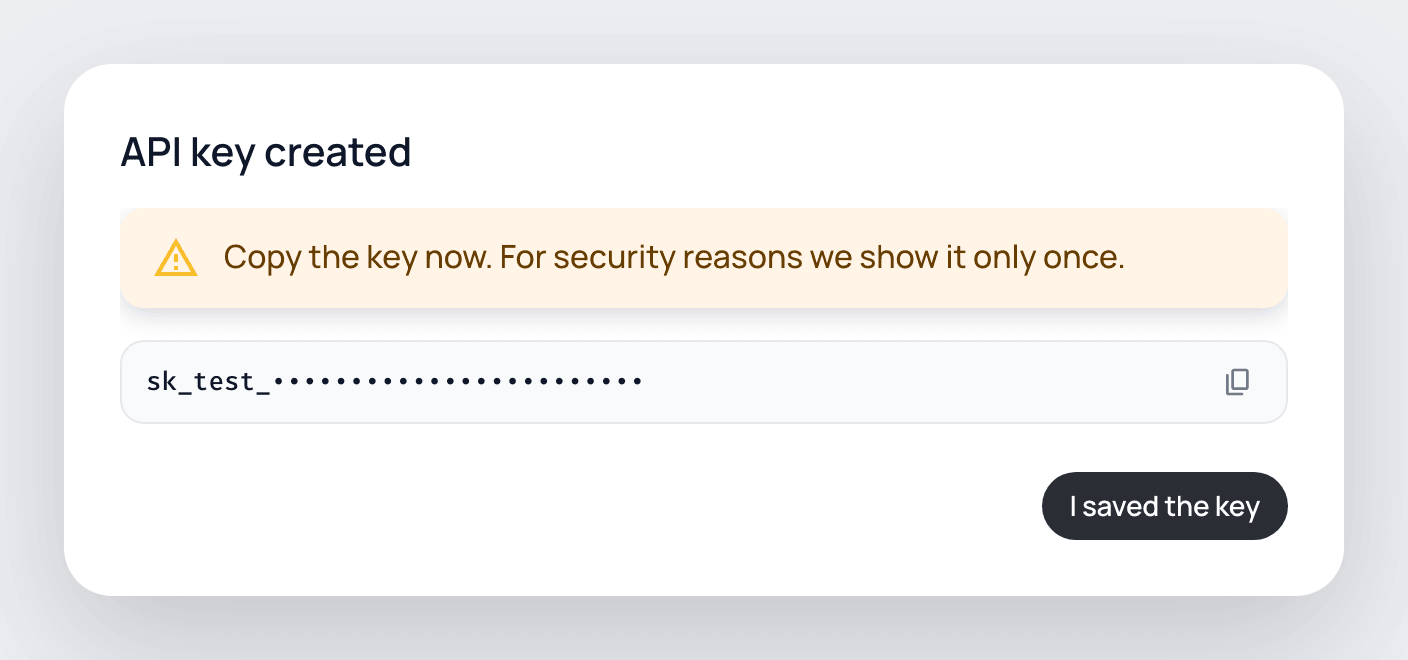
Test server) and click Create. - Copy the key with the copy button and click I saved the key. It is shown only once — store it in your server configuration, never in browser or app code.
3. Set the webhook URL
In Integration → API keys & webhooks → Webhooks, enter the URL where your server accepts webhooks and click Save. Then copy the Secret key below it: you need it to verify signatures.
Click Send test webhook to check that your server answers 200 with the body OK.
4. Create a payment
curl -X POST "https://api.finorapayment.com/v1/payments" \
  -H "x-api-key: YOUR_API_KEY" \
  -H "Content-Type: application/json" \
  -d '{
    "merchant_order_id": "order-1001",
    "payment_amount": 5,
    "payment_currency": "EUR",
    "return_url": "https://example.com/payment/result"
  }'
Response:
{ "payment_link": "https://finorapayment.com/cc/checkout?order_id=…" }5. Pay with a test bank
- Open the
payment_linkin a browser. - Enter an email for the receipt and click Continue.
- Choose Test Bank — Completed and click Confirm.
- You are returned to
return_urlwithpaymentStatusandorderIdin the address.
Within a few minutes the payment becomes COMPLETED and your webhook URL receives the status changes. You can see the
payment in Transactions (marked Test) and every webhook in Integration → API keys & webhooks → Webhooks → Delivery log.
6. Top up and try a payout (optional)
The money of your test payment is already on your test balance. To add more, or if you plan to pay your customers from the balance:
- Open Top up. Under By bank, enter up to 5 EUR, click Pay with my bank and choose Test Bank — Completed in the checkout. A few minutes later the amount is on your test balance (details).
- Open Payouts and click New payout: choose USDT on TRON, paste a TRON address and an amount. In test mode
nothing real is sent (how test payouts work); the payout appears in the history and your
webhook URL receives
payout.completed.
7. Go live
When your server creates payments and processes webhooks correctly, click Go live at the top of the menu on the left and send the request. See Going live.