
FinoraPayment documentation
FinoraPayment lets your customers pay by bank transfer straight from their bank app (open banking). You create a payment through the API, send the customer to the hosted checkout, and we tell your server when the money arrives.
How a payment works
- Your server creates a payment. You send the amount and your order ID to the API and get a
payment_link. - The customer pays. You redirect the customer to the
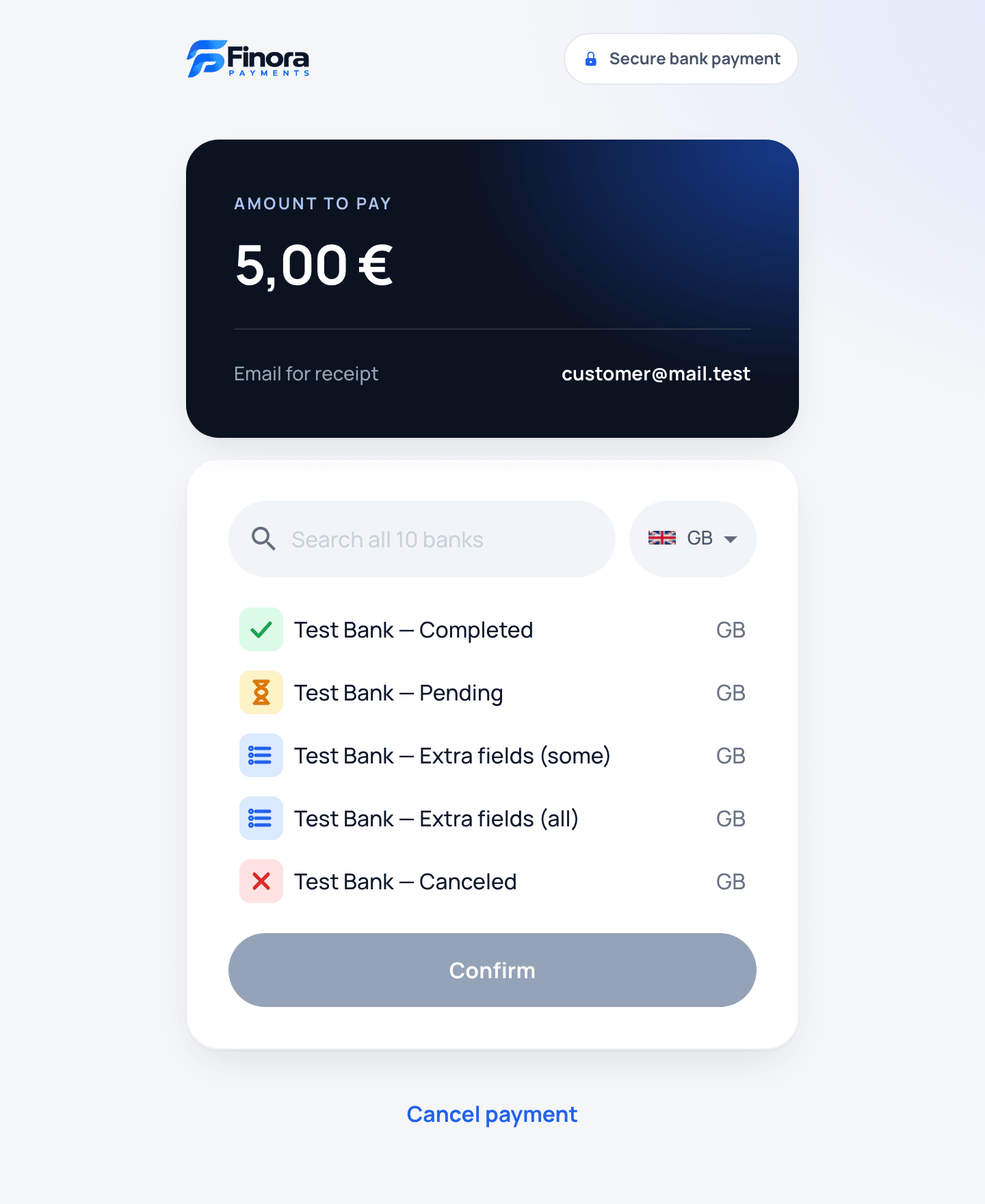
payment_link. On the checkout they enter an email for the receipt, choose their bank and confirm the transfer in the bank app. - You get the result. We send a webhook to your server on every status change, and return the customer to your result page.
- You ship the order when the payment status is
COMPLETED.
Your balance
Everything you receive and everything you pay out goes through one EUR balance: your customers' payments, your own top-ups by bank or with USDT, payouts to your customers and withdrawals to your wallet. You can pay out what your customers paid, or fund payouts yourself — it is the same money, and every movement is listed in Transactions and in your statement.
What you need
| You need | Where to get it |
|---|---|
| A merchant account | Sign up — it starts in test mode |
| An API key | Cabinet → Integration → API keys & webhooks → API keys |
| A webhook URL on your server | Cabinet → Integration → API keys & webhooks → Webhooks |
| A result page on your site | Pass return_url with each payment or set a default page in Integration → Result page |
Test mode and live mode
Every new account starts in test mode: payments are limited to 5 EUR and only test banks are available, so no real money moves, and everything happens on a separate test balance — payments, top-ups and payouts. When your integration works, you request live mode in the cabinet. Testing explains what to try first.
Where to go next
- Quickstart — create your first test payment step by step.
- Create a payment — all request fields.
- Webhooks — how to receive and verify status changes.
- Your balance and top-ups — how the balance works and how to fund payouts.
- Payouts to customers — pay your customers in USDT from the balance.